To-do lists & calendar apps
You set the reminder, then got deep into work and never looked at it again. When you’re focused, your to-do list and calendar are out of sight, and out of mind.
A desktop LED sign for Windows 10+
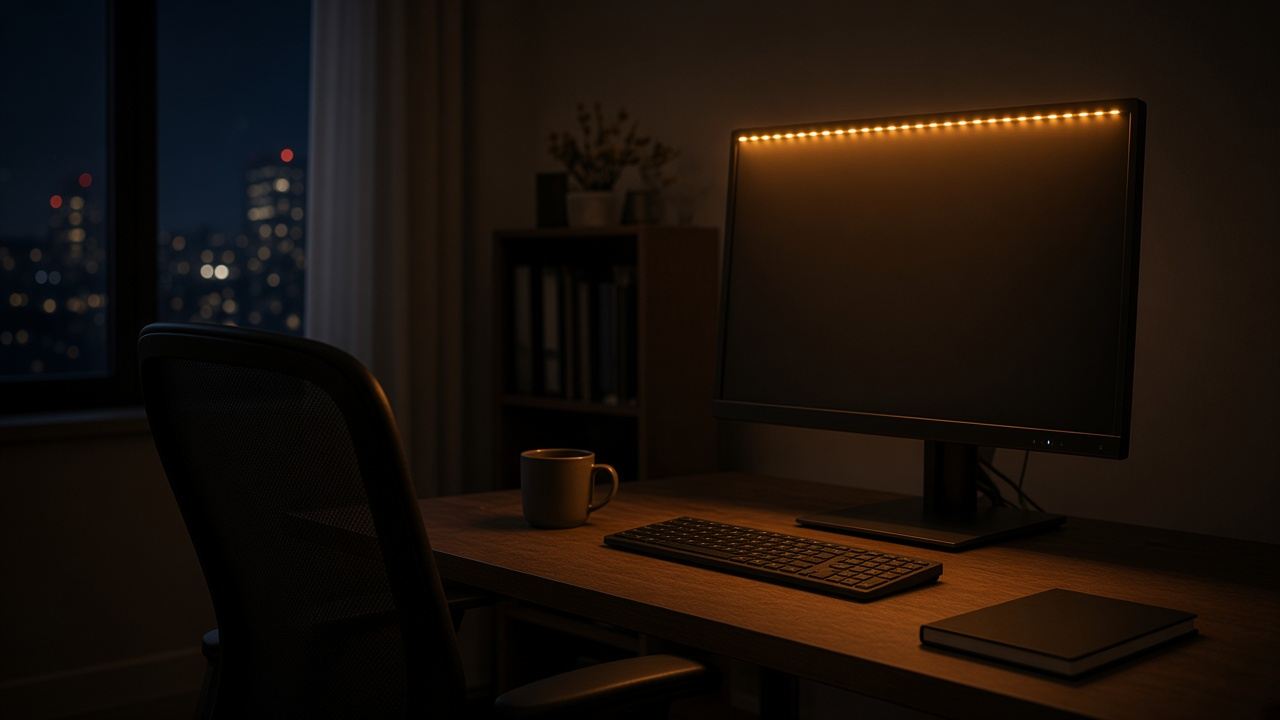
A desktop LED sign that scrolls your tasks, health reminders, and daily goals across your screen, so you never drift, never forget, and always know what to do next.
Windows 10+ · 2-minute setup · Secure checkout via Paddle
01 The film
Watch a reminder go from a thought to a line of light at the top of your screen, then keep you on track until the evening.
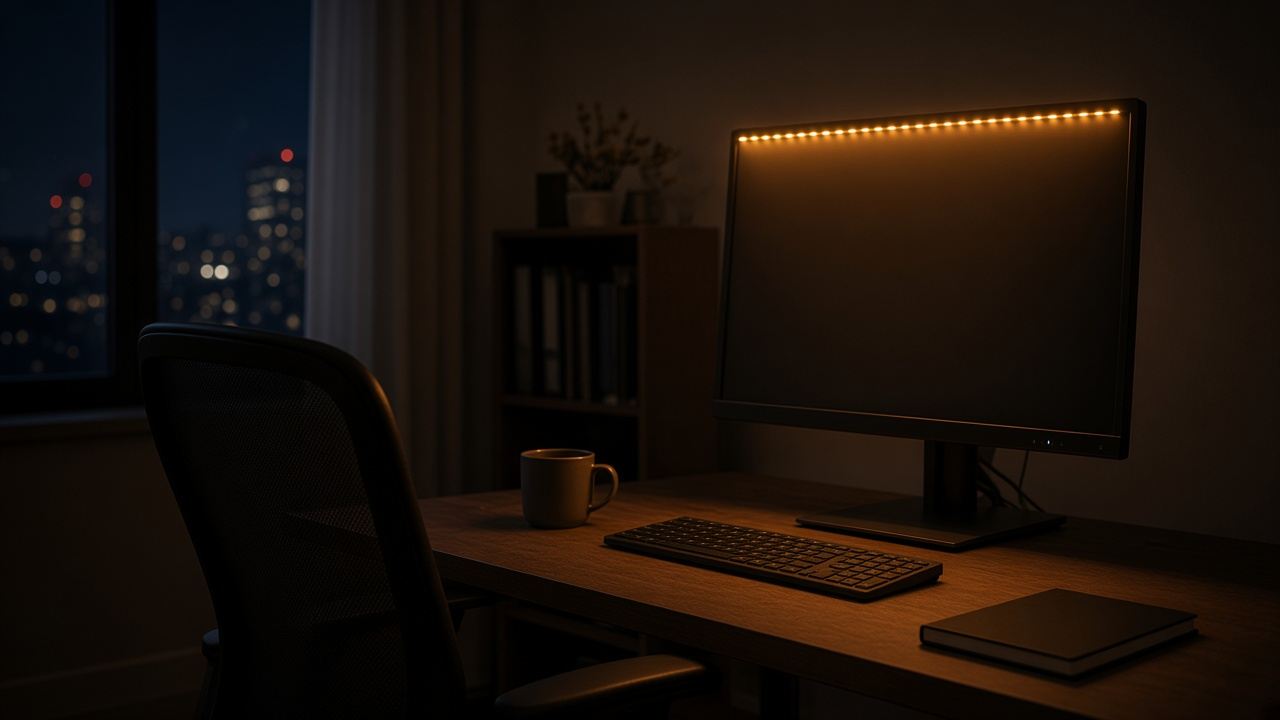
9:12 AM. Your day is already crowded.
02 The problem
To-do lists, phone alarms, habit apps. You’ve tried everything, and none of them stuck. Here’s why.
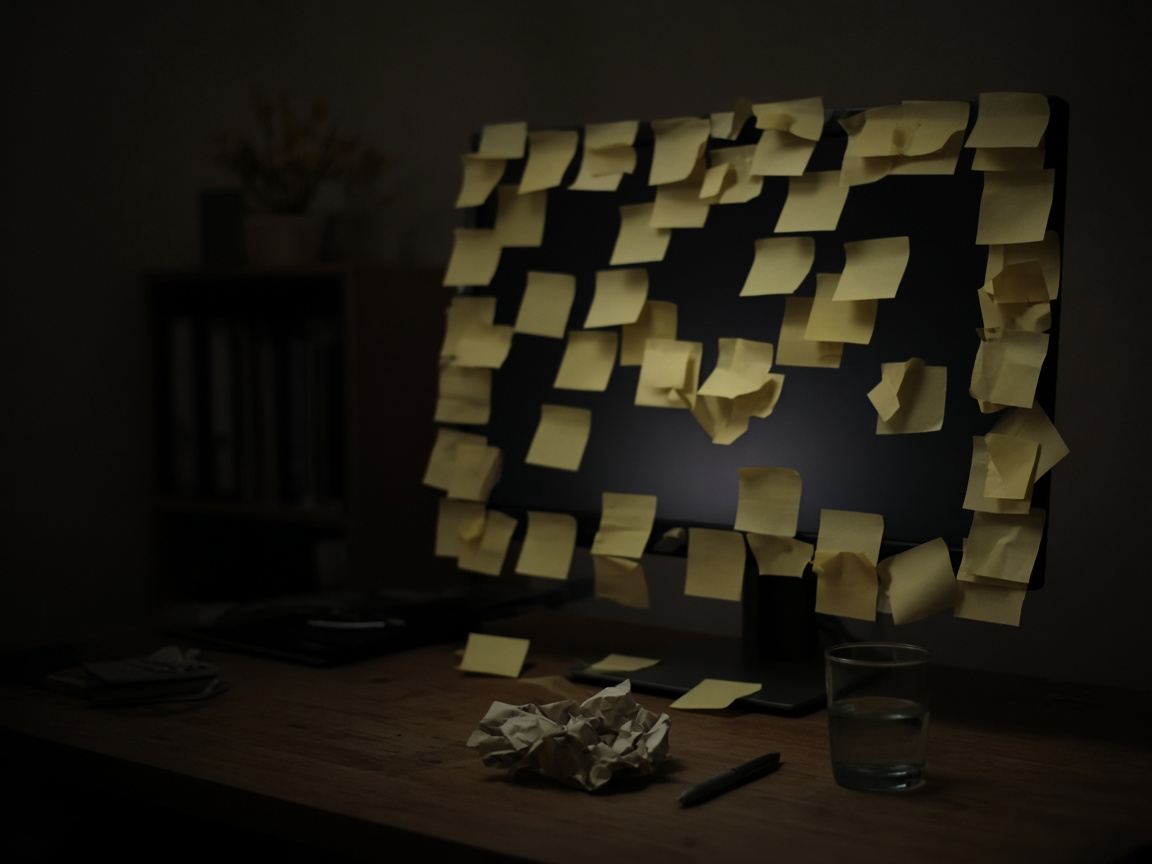
You set the reminder, then got deep into work and never looked at it again. When you’re focused, your to-do list and calendar are out of sight, and out of mind.
Swiped away in 0.3 seconds. You’ve trained yourself to dismiss them without thinking. The notification is gone before the thought even registers.
Opened it for a week, felt productive, then forgot it existed. Now it’s another forgotten app on page 3 of your phone.
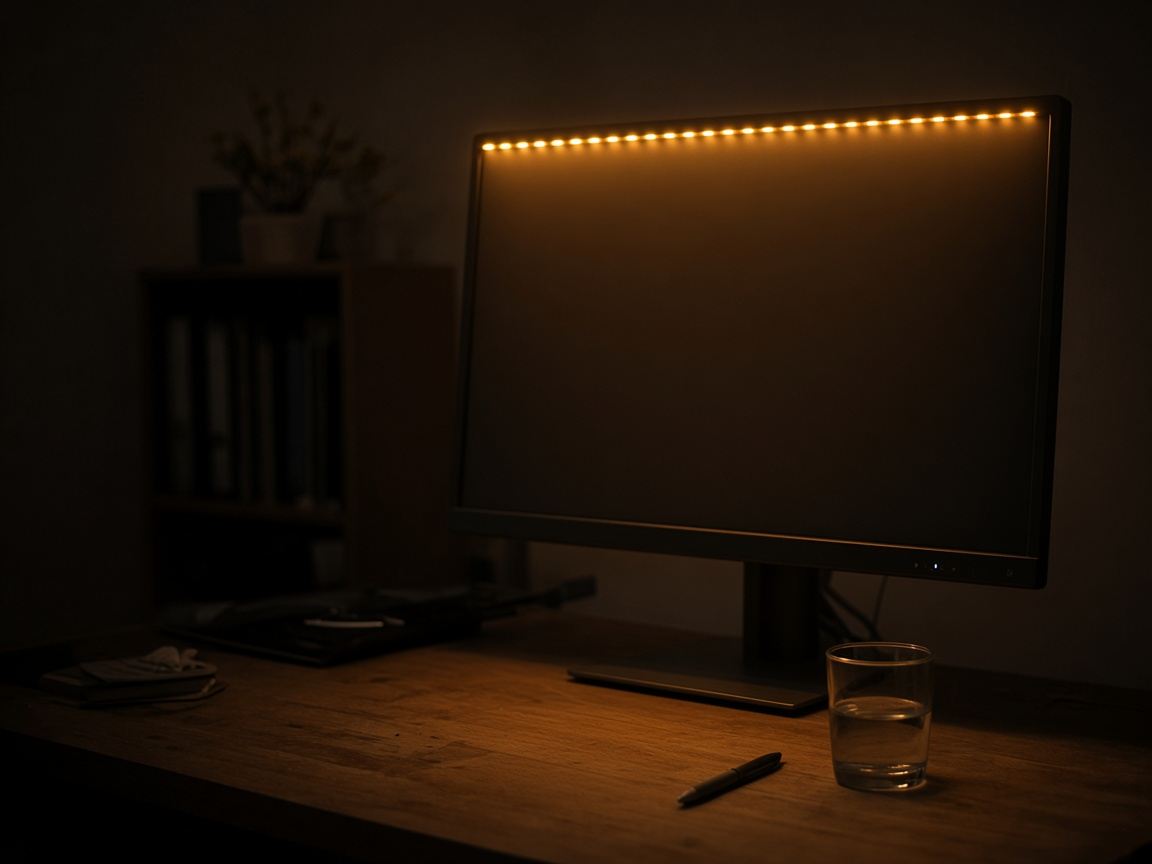
Out of sight, out of mind isn’t just a saying. It’s why every reminder you’ve tried has failed. HabitGlo keeps your intentions visible, all day, on the screen you’re already looking at. No app to open, no notification to swipe. It moves, it glows, and it keeps going all day.
03 How it works
Download the Windows app, sign in, and you’re set up in under two minutes.
Type your tasks, health reminders and affirmations, or start with the five reminders it comes with.
Pin the strip to the top or bottom of your screen. Your apps resize around it, so nothing overlaps.
04 Who it’s for
ADHD & focusHealth remindersBusiness tasksDaily to-do listPositive affirmations
ADHD & Focus
Apps you have to open are apps you forget. HabitGlo is already on your screen, so the next step is always in front of you and your brain doesn’t have to hold it.
Health
Water, posture, eye breaks. Everyone knows the advice and nobody remembers it at 3 PM. Put three small health reminders on the strip and let them nudge you all day.
Business · Entrepreneur
Busy all day and nothing important got done? Put your three most important tasks at the top of the screen, and the busywork can’t hide them.
These are starting points. Your strip says whatever you need to hear.
05 Pricing
Try the browser demo, then choose the plan that keeps your reminders running every day.
Low-risk reset, cancel anytime
$5/ month
One decision, no recurring decision fatigue
$29/ once
Windows 10+2-minute setupNo contract, cancel in one clickSecure checkout via Paddle
HabitGlo works because it removes reliance on memory and motivation. Your commitments stay visible while you work, so you get more reps of the behavior you actually want.
No. Dock the strip to the top or bottom and reserve screen space so your apps keep the main area. Pick a calm color and a slower speed so the LED stays peripheral while you work.
In a couple of minutes. Install it and five starter reminders are already scrolling. Swap in your own whenever you like.
Yes. Your reminders are saved on your PC and synced only to your own account. Nothing is shared.
Yes. Use the browser demo to feel how the reminder layer works before checkout. Desktop app support is currently Windows 10+.
Yes. Cancel any time and keep access through the end of the current billing period.
A macOS version is in development. Get notified when it launches:
“I used to know exactly what I needed to do and still not do it. Now I can’t unsee it.” — A.T.
If you’re tired of knowing what to do but not doing it consistently, make your commitments impossible to ignore.